Quickstart
From a new account to curl, Python, and TypeScript.
You need an account, credits, and a model with an available offer. These examples use claude-sonnet-5-5; copy a currently available ID from Marketplace if it is not listed for your key.
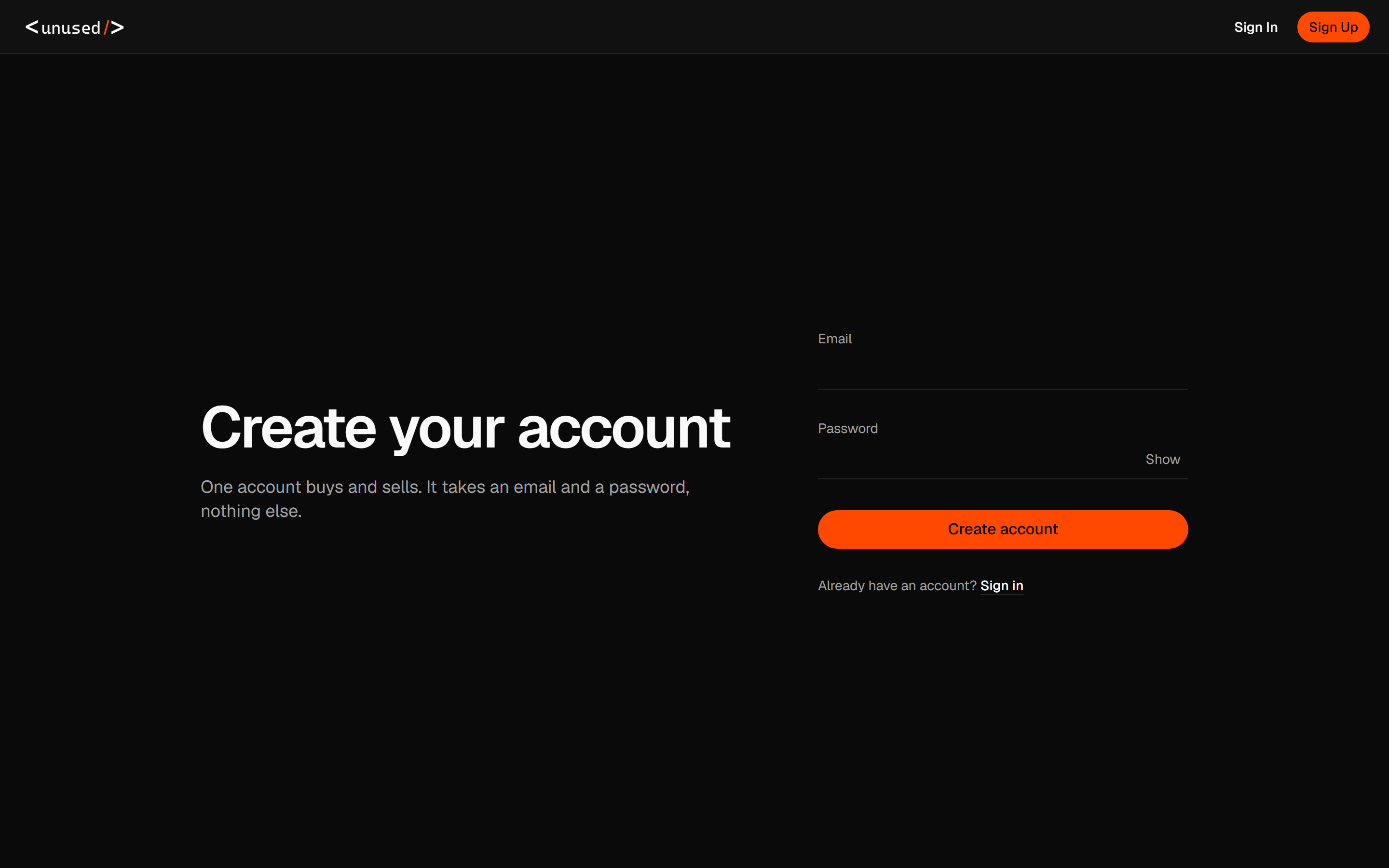
Create your account and key
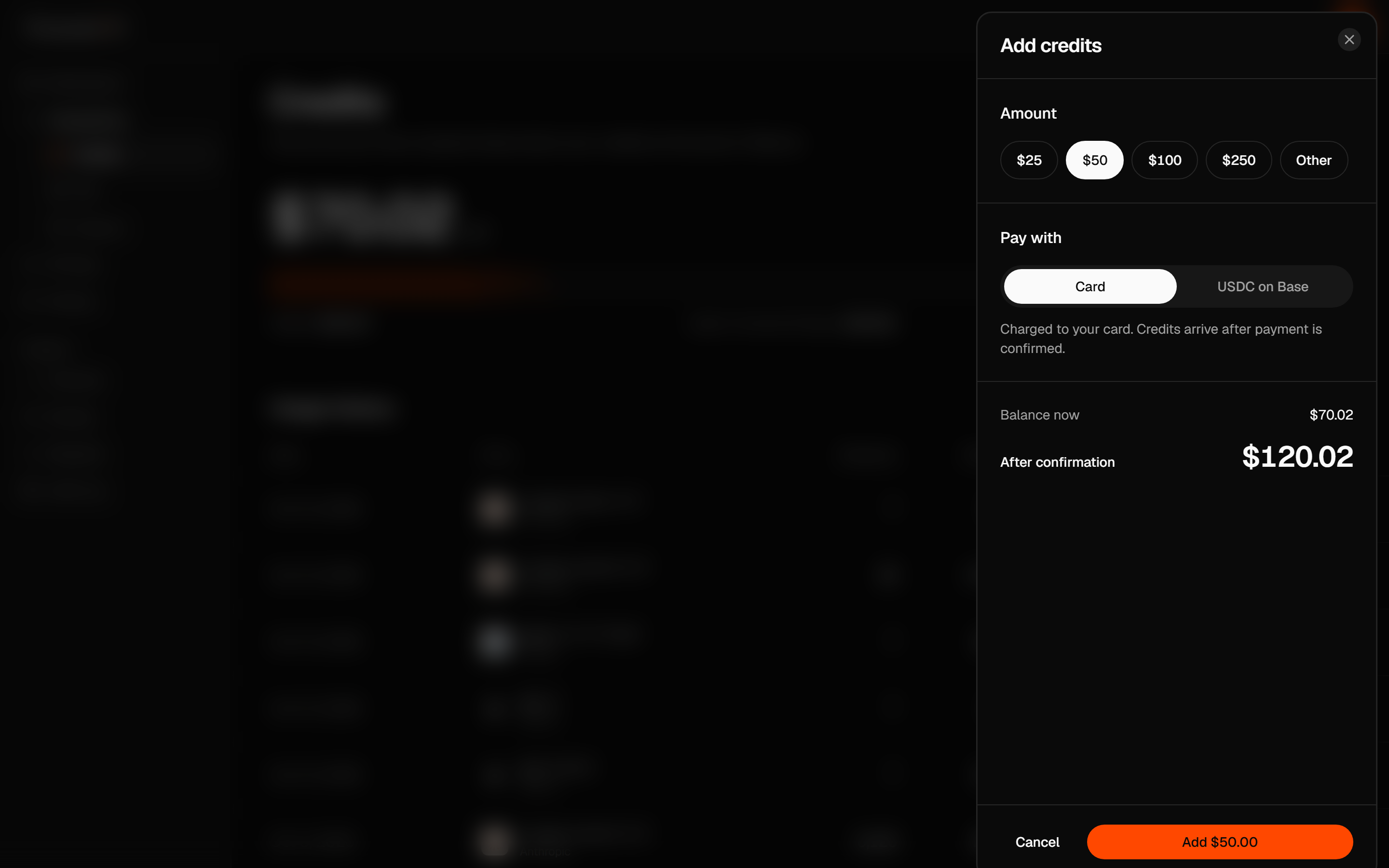
Add credits
Open Credits → Add credits. Choose Card and complete the checkout shown, or use USDC on Base when it is available. Wait until the payment is confirmed and your credit balance updates.
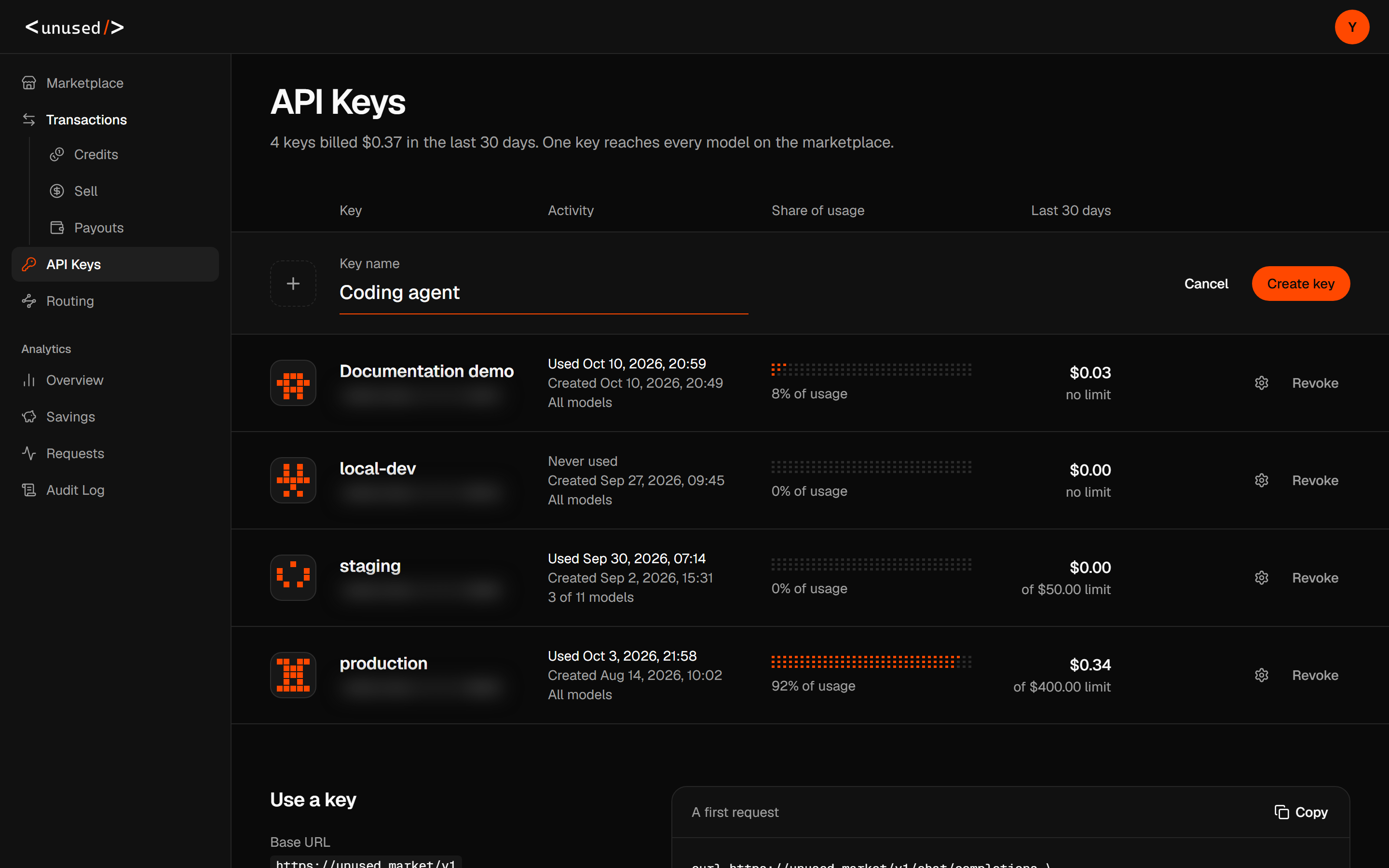
Create an API key
Open API Keys → Create new key. Enter a name such as local development, then select Create key. Copy the full value now: the dashboard shows it only once.
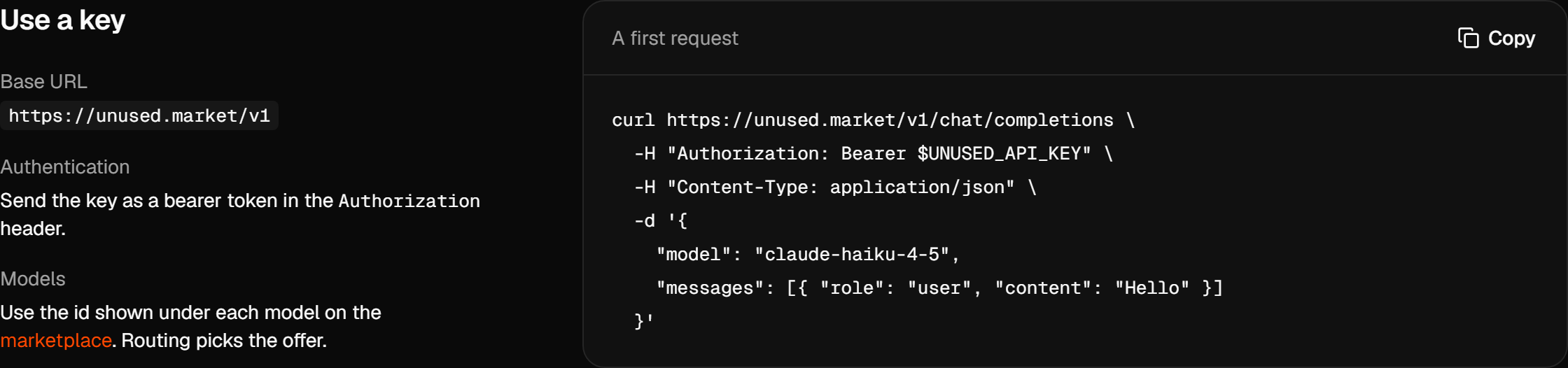
Set your environment
Replace sk-unused-... with the complete key copied from the dashboard. This string is an illustrative placeholder, not a valid key.
export UNUSED_API_KEY='sk-unused-...'
export UNUSED_BASE_URL='https://unused.market/v1'
The Use a key section of API Keys shows the exact base URL for your account. Examples here use https://unused.market/v1.
Send your first curl request
Save this file in your working directory:
{
  "model": "claude-sonnet-5-5",
  "messages": [{ "role": "user", "content": "Reply with one short greeting." }],
  "max_tokens": 64
}curl --fail-with-body -i "$UNUSED_BASE_URL/chat/completions" \
-H "Authorization: Bearer $UNUSED_API_KEY" \
-H 'Content-Type: application/json' \
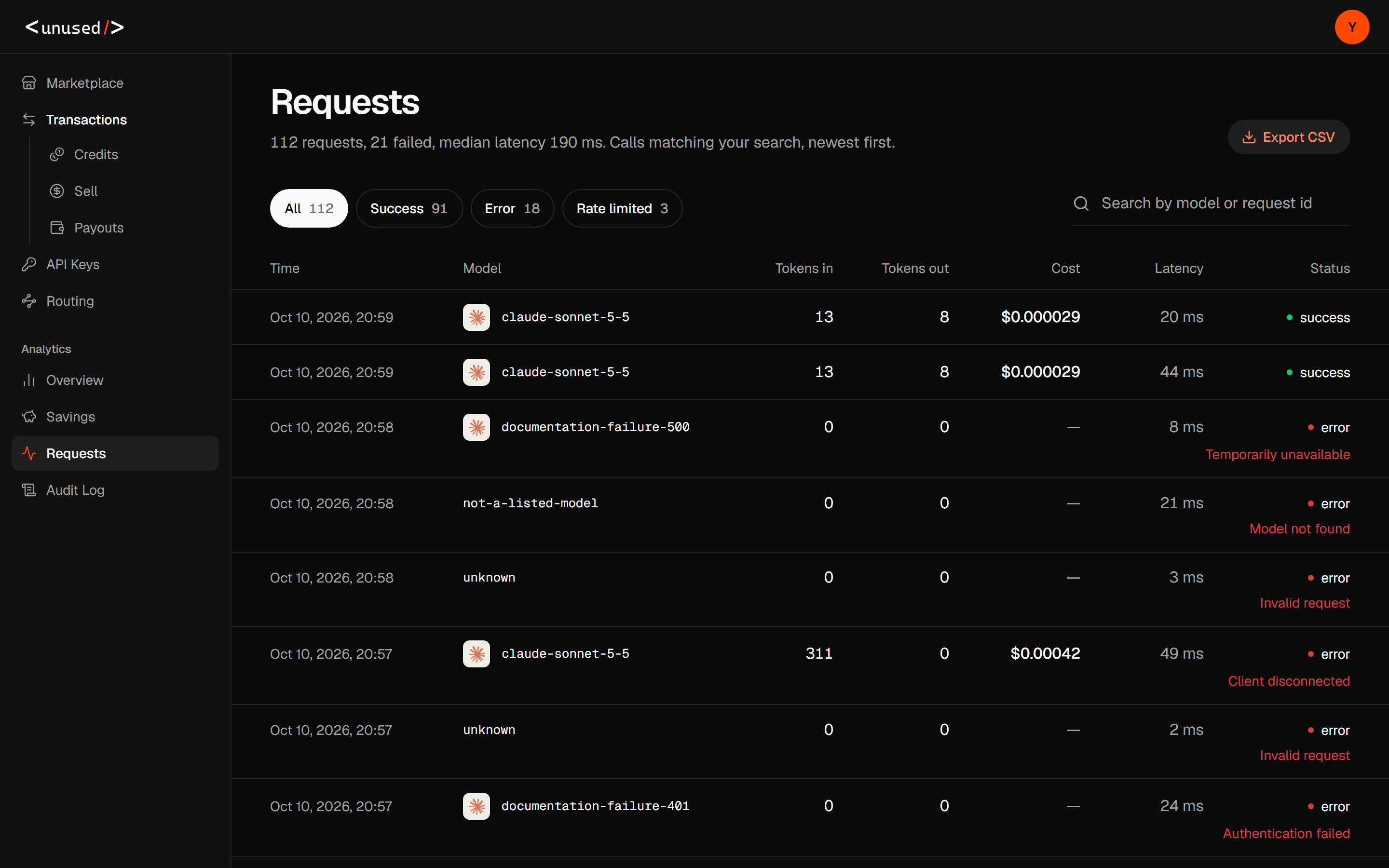
--data-binary @request.jsonA successful response is HTTP 200, with text under choices[0].message.content and token counts under usage. Keep the x-request-id response header. Open Analytics → Requests and search for that ID to confirm the model, cost, and status.
Make your first SDK call
Run either example in the same terminal so it can read your environment variables.
python -m pip install openaiimport os
from openai import OpenAI
client = OpenAI(
api_key=os.environ["UNUSED_API_KEY"],
base_url=os.environ["UNUSED_BASE_URL"],
)
response = client.chat.completions.create(
model="claude-sonnet-5-5",
messages=[{"role": "user", "content": "Reply with one short greeting."}],
max_tokens=64,
)
print(response.choices[0].message.content)python hello.pyBoth examples use the same unused.market key and model. The OpenAI SDK calls /v1/chat/completions; the Anthropic SDK appends /v1/messages to the host. Confirm your second request in Analytics → Requests, then choose your coding agent guide.
If the request fails
| Result | Next action |
|---|---|
401 | Replace the placeholder with your full unused.market key. |
402 | Add credits, check the key's monthly limit, or reduce the requested output budget. |
403 | Check both the key's allowed models and Routing model lists. |
404 | Copy the exact model ID from Marketplace. |
503 | Check available offers and the price cap, then respect Retry-After. |
See Troubleshooting for stream errors and request history.